What the scanner needs to do
Choose a camera-based 2D imager if the workflow needs QR Codes, Data Matrix, GS1 Digital Link, or screen scanning. A 1D laser scanner is not enough for 2D codes.
Starter kit
This is an educational hardware planning guide, not a checkout page, GS1 approval service, or compliance assurance.
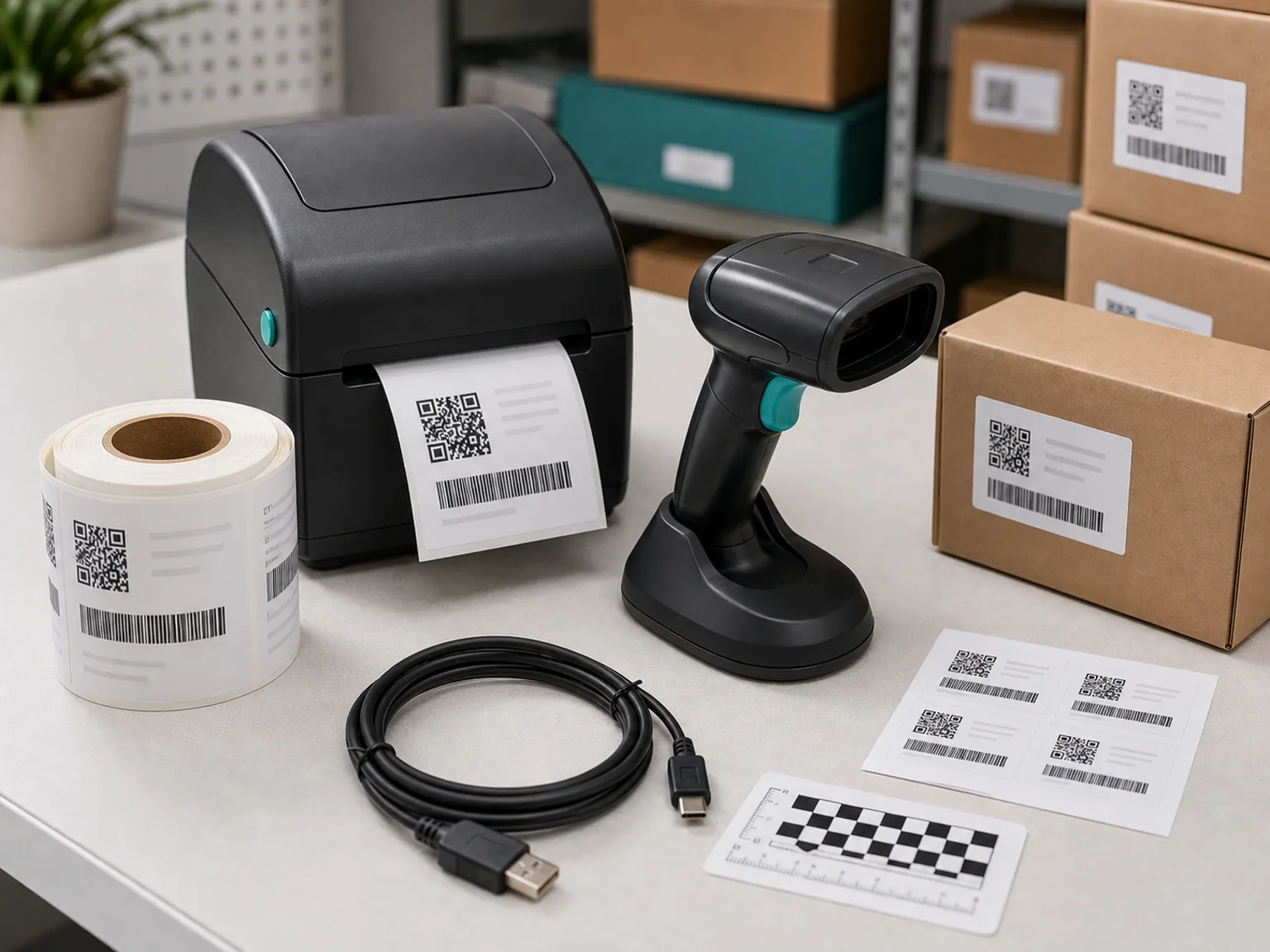
Readiness flow
Data, label, scan, print
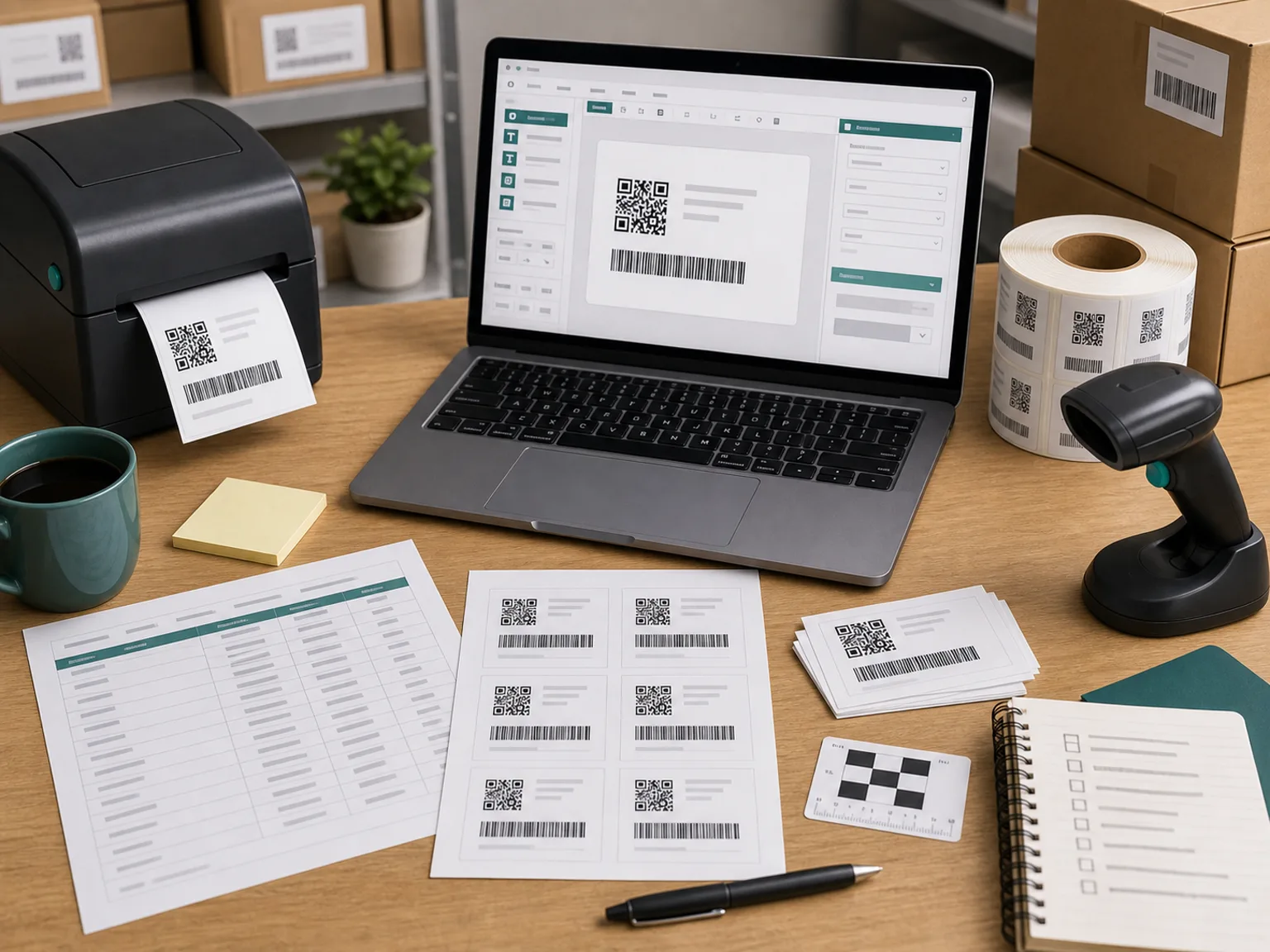
Starter workflow
A practical 2D barcode starter setup usually includes a 2D imaging scanner, a label printer capable of printing clear 2D codes at the required size, compatible label software, and a workflow for clean SKU or batch data.
Concise answer
Many teams use 300 dpi as a planning baseline for dense 2D labels, but the correct choice depends on barcode size, label material, print quality, verification needs, and partner requirements.
Choose a camera-based 2D imager if the workflow needs QR Codes, Data Matrix, GS1 Digital Link, or screen scanning. A 1D laser scanner is not enough for 2D codes.
Check printer resolution, print method, duty cycle, media size, label material, connection type, and software compatibility. A clean office printing 50 labels per day is different from a dusty warehouse printing thousands.
The software needs to create the correct barcode type, connect to your SKU or batch data, and print labels consistently. Hardware alone does not solve GS1 formatting or partner compliance.
Use the cost calculator or request a starter recommendation based on daily label volume, environment, software, budget, and timeline.
Example configurations
These are planning examples for one workstation, not product offers. Ranges vary by region, supplier, accessories, media, software, taxes, and integration. Model names are examples to compare, not endorsements.
Path 1
Low-volume brands that may already have a usable label printer.
Buy only the missing component after a real label test.
Path 2
Growing brands adding retail, lot, batch, or expiry workflows.
Include test labels, ribbon, media, and time for software setup.
Path 3
Higher-volume warehouses, production areas, and retail suppliers needing durable equipment.
Budget separately for software, integration, spare batteries, media, and rollout testing.
Official specification pages for the example classes
Already know your scanner, printer, label size, and daily volume? Send those details once and request a configuration direction with a planning price range.
Request RecommendationUse the example configurations as a shortlist, then confirm these operating details before selecting a device.
| Area | What to compare | Why it changes the decision |
|---|---|---|
| Scanner | 2D symbologies, wired or wireless, scan distance, screen reading, drop rating, IP rating. | A retail desk and a warehouse aisle need different durability and range. |
| Printer | 203 or 300 dpi, direct thermal or thermal transfer, print width, speed, media capacity, connectivity. | Label size, density, durability, and daily volume determine printer class. |
| Software | Label design, variable data, database connection, printer language, user count. | A device can print or scan correctly while connected software still mishandles the data. |
| Consumables | Label stock, adhesive, ribbon, test samples, replacement printheads and batteries. | Recurring materials and accessories can materially change the operating budget. |
No. You normally need a 2D imager.
Not always, but it is a common planning baseline for dense 2D codes. Test and verify print quality.
No. Hardware can print and scan; data structure and partner requirements still need confirmation.
Usually no. Match hardware to volume and environment.
Daily label volume, current printer/scanner, label size, barcode type, software, budget, and deadline.
Submit daily label volume, current printer/scanner, label size, barcode type, software, budget, and deadline.
Disclaimer
This site is independent and not affiliated with GS1. It provides educational readiness guidance only, not legal, compliance, marketplace, retailer, or GS1 approval advice.