Phase 1: Confirm where your products are scanned
List every sales channel: Shopify, Amazon, wholesale, retail stores, distributors, 3PLs, and internal warehouse workflows. Write down who controls the barcode requirement for each channel.
Checklist
This checklist helps small brands, marketplace sellers, and warehouse teams organize a practical 2D barcode readiness audit. It is not a GS1-issued document, legal advice, retail approval, or marketplace compliance review.
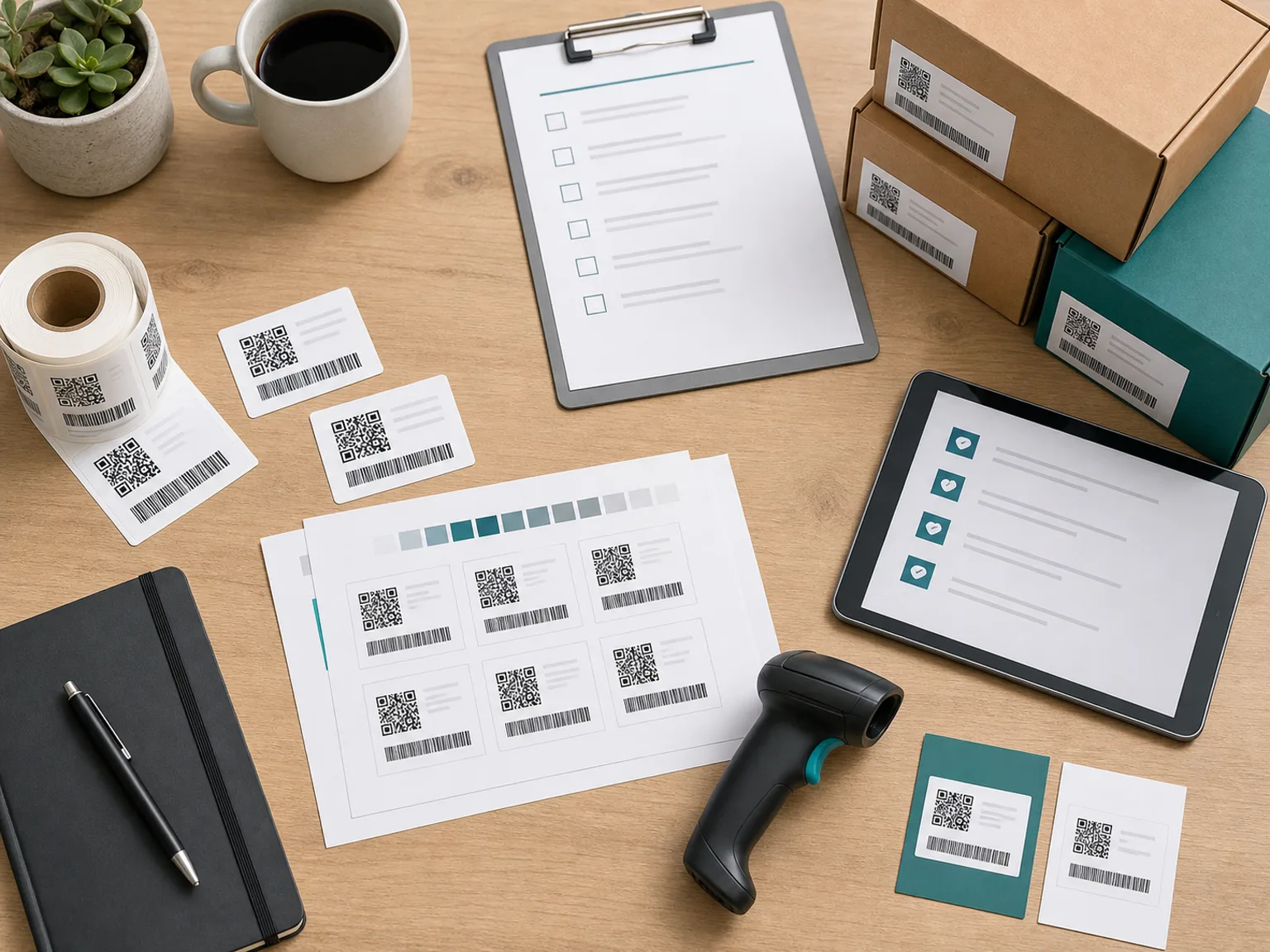
Readiness flow
Data, label, scan, print
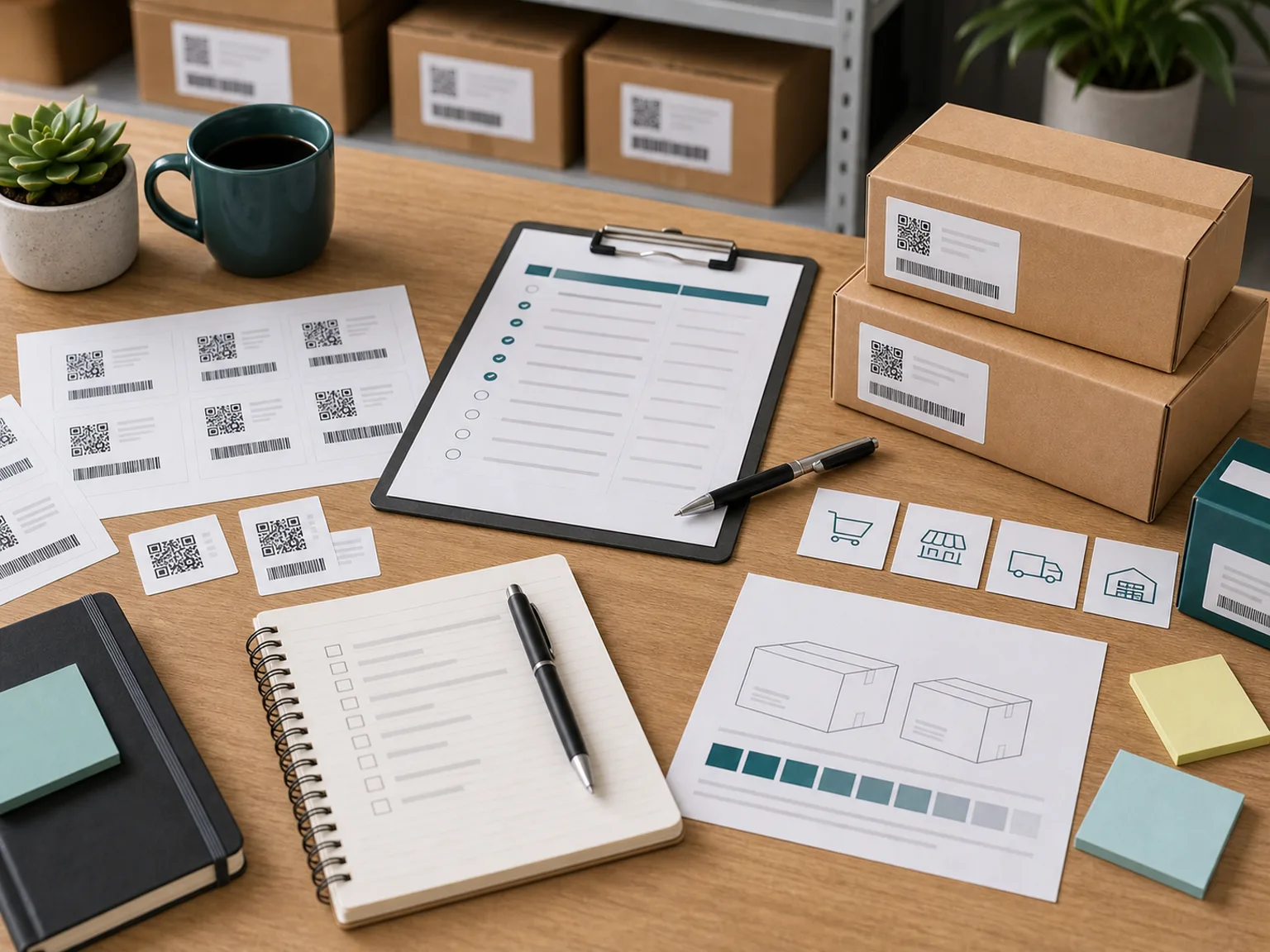
Checklist workflow
First confirm which retailers, marketplaces, or supply-chain partners are asking for 2D barcode support. Then audit scanners, label printers, label software, SKU data, packaging artwork, and pilot timing.
Concise answer
A practical Sunrise 2027 readiness checklist starts with your selling channels, not with hardware shopping. Keep existing UPC or EAN barcodes during the transition unless your partner explicitly tells you otherwise.
List every sales channel: Shopify, Amazon, wholesale, retail stores, distributors, 3PLs, and internal warehouse workflows. Write down who controls the barcode requirement for each channel.
Identify whether each scanner is a 1D laser scanner or a 2D imager. If the device only reads linear barcodes, mark it as "needs review before 2D use."
Record printer model, print method, resolution, label material, daily label volume, and whether your software can create GS1-formatted 2D codes or variable data labels.
2D barcodes only help if the data is clean. Confirm whether your system tracks GTIN, SKU, lot, batch, expiry, serial number, and destination channel.
Do not reprint packaging in panic. Identify the next natural artwork update, then pilot with a small group of priority SKUs after confirming partner requirements.
Then request a starter recommendation if you want help mapping your SKU count, label volume, hardware, and budget into a practical next step.
Use this table to decide where your first audit effort should go.
| Current setup | Next audit step |
|---|---|
| Retail supplier with old scanners | Audit scanners and partner requirements first. |
| DTC-only seller with no variable data | Monitor transition and avoid unnecessary spending. |
| Perishable or batch-tracked brand | Audit data and print workflow early. |
| Warehouse replacing hardware now | Choose 2D-capable scanning unless there is a clear reason not to. |
No. It is an independent operational checklist.
No. Keep the existing linear barcode unless a qualified partner gives a specific instruction.
Your sales channels and who sets barcode requirements for each channel.
Barcode scanner type, label printer resolution, label software, and print workflow.
Submit the printer model or choose "not sure" in the form.
Usually no. Start with high-volume, retail-bound, perishable, or batch-tracked SKUs.
If you are unsure how to translate the checklist into next steps, share your channels, hardware, budget, and timeline for an independent starter direction.
Disclaimer
This site is independent and not affiliated with GS1. It provides educational readiness guidance only, not legal, compliance, marketplace, retailer, or GS1 approval advice.