Wired vs wireless scanners
Calculator
2D Barcode Starter Kit Cost Calculator
This calculator provides educational planning estimates only. It is not a pricing offer, purchase offer, or final hardware pricing advice.
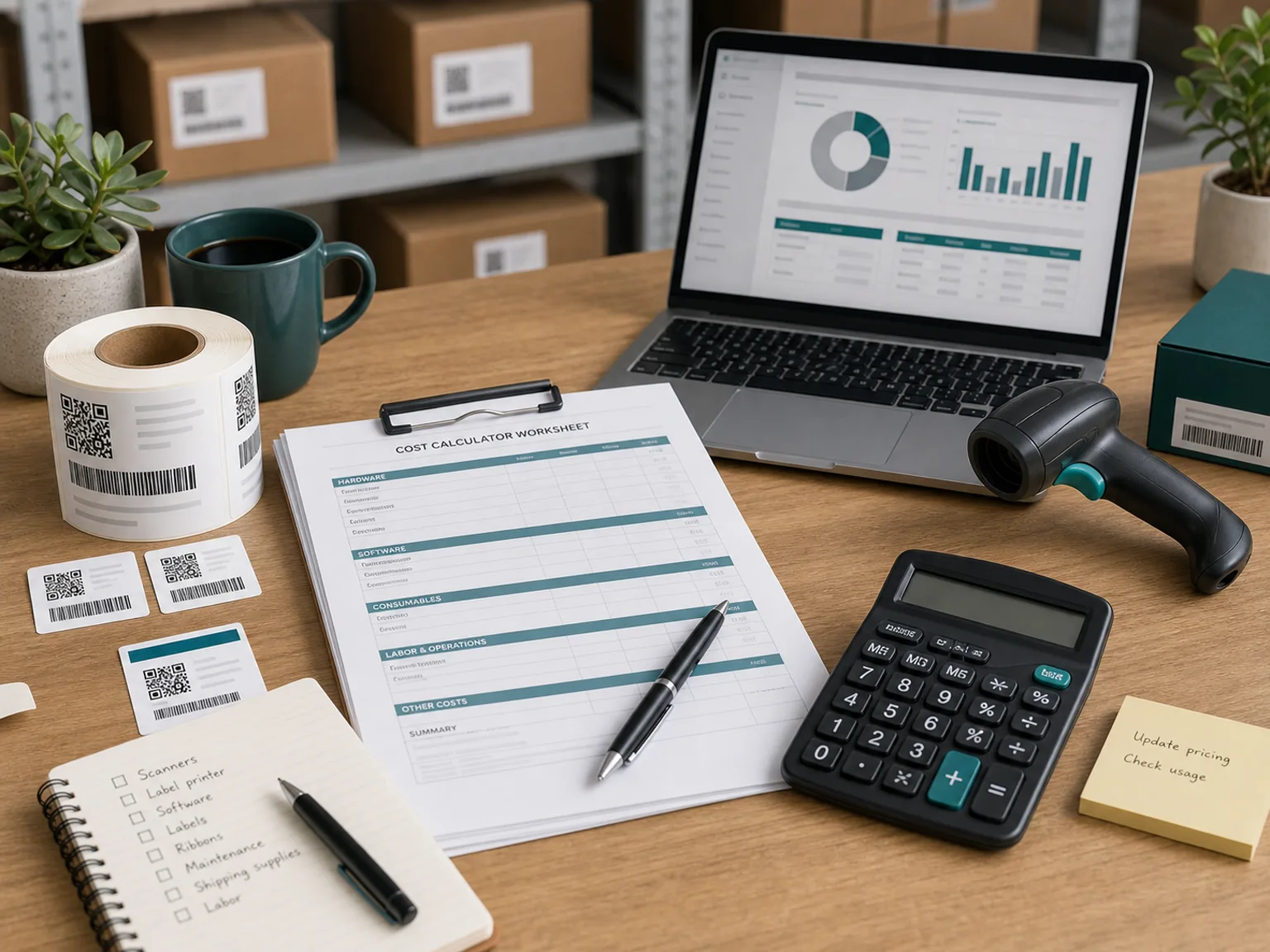
Readiness flow
Data, label, scan, print
Start with an audit
Concise answer
Budget depends on environment, volume, software, and integration
A 2D barcode hardware budget depends on scanning environment, daily label volume, printer resolution, label durability, software needs, and integration complexity. A small office may need only a basic 2D imager and desktop printer. A warehouse or production line may need rugged scanners, higher-duty printers, better software, and technical setup.
Office vs warehouse vs production environment
Desktop vs industrial printer duty cycle
203 dpi, 300 dpi, or higher-resolution printing needs
Label material and ribbon costs
Software licensing and database integration
Number of users, stations, and warehouses
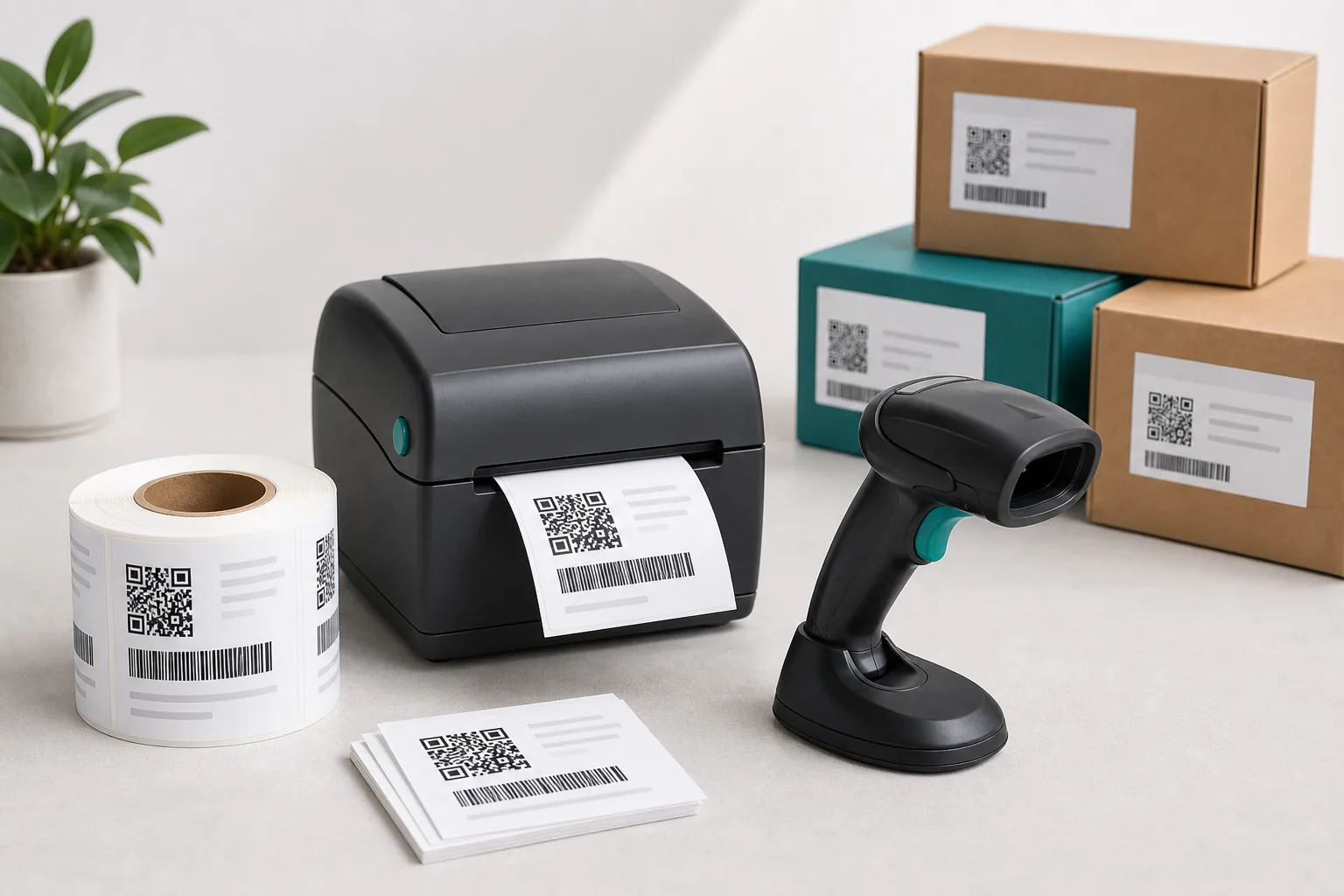
Budget context
A cost estimate should start from the actual workstation
Scanner type, printer duty cycle, label volume, software fit, and warehouse environment can change the starter path more than the barcode format alone.
Review
Test
Request
Calculate once, then send the result directly
Your calculator answers will be included automatically. Only email, name, and company are requested after the result.
Example configurations
Compare a real hardware path before requesting pricing details
These are planning examples for one workstation, not product offers. Ranges vary by region, supplier, accessories, media, software, taxes, and integration. Model names are examples to compare, not endorsements.
Path 1
Reuse and verify
Low-volume brands that may already have a usable label printer.
- Scanner
- One wired general-purpose 2D area imager that reads 1D, Data Matrix, and QR codes.
- Printer
- Keep the current printer if sample labels pass size, contrast, and scan tests.
- Examples to compare
- Zebra DS2208, Honeywell Voyager XP 1470g, or Datalogic QuickScan 2500 class.
Buy only the missing component after a real label test.
Path 2
Desktop 2D pilot
Growing brands adding retail, lot, batch, or expiry workflows.
- Scanner
- One general-purpose 2D imager, wired or wireless, with screen scanning and configurable data output.
- Printer
- A 4-inch, 300 dpi desktop thermal-transfer printer with USB or Ethernet connectivity.
- Examples to compare
- Zebra ZD421 300 dpi or an equivalent desktop printer, paired with a current 2D imager.
Include test labels, ribbon, media, and time for software setup.
Path 3
Warehouse workflow
Higher-volume warehouses, production areas, and retail suppliers needing durable equipment.
- Scanner
- A rugged 2D imager selected for drop rating, sealing, range, wireless coverage, and shift length.
- Printer
- A 300 dpi industrial thermal-transfer printer sized for daily duty cycle and media capacity.
- Examples to compare
- Zebra DS3600 and ZT231 classes or equivalent rugged scanner and industrial printer families.
Budget separately for software, integration, spare batteries, media, and rollout testing.
Official specification pages for the example classes
Already know your scanner, printer, label size, and daily volume? Send those details once and request a configuration direction with a planning price range.
Request RecommendationBudget tier guide
Use this table as a planning framework before comparing hardware options.
| Tier | Typical setup | Best fit |
|---|---|---|
| Entry | Small office, low daily label volume, basic wired scanner, desktop printer. | Simple teams with limited daily scanning and printing needs. |
| Growth | Wireless scanners, 300 dpi desktop printer, moderate label volume, better software. | Teams with growing order volume and repeatable label workflows. |
| Industrial | Rugged scanners, industrial printer, harsh environment, high duty cycle, technical integration. | Warehouse or production workflows with durability and integration needs. |
Calculator fields
What the estimate should consider
Business type, SKU count, daily label volume, scanner environment, printer environment, current hardware, software stack, barcode type, budget range, and purchase timeline.
Frequently asked questions
Is this a pricing offer? +
No. It is a planning estimate.
Why do costs vary so much? +
Environment, durability, software, duty cycle, and integration needs change the budget quickly.
Can I start small? +
Yes, if your volume and environment are simple.
What is the most common hidden cost? +
Software setup, consumables, label verification, and downtime from underpowered hardware.
Will the calculator recommend products? +
It should recommend a configuration tier, not promise a specific purchase outcome.
Request a starter recommendation if multiple paths fit
If the calculator points to more than one possible workflow, share your setup details so the next step can be mapped to your volume, environment, software, and timeline.
Disclaimer
This site is independent and not affiliated with GS1. It provides educational readiness guidance only, not legal, compliance, marketplace, retailer, or GS1 approval advice.