A source for accurate lot, batch, expiry, or serial data
Label workflow
Lot, Batch, and Expiry Labeling With 2D Barcodes
This page covers technical labeling workflow only. It does not provide food safety, pharmaceutical, FDA, FSMA, legal, regulatory, or recall compliance advice.
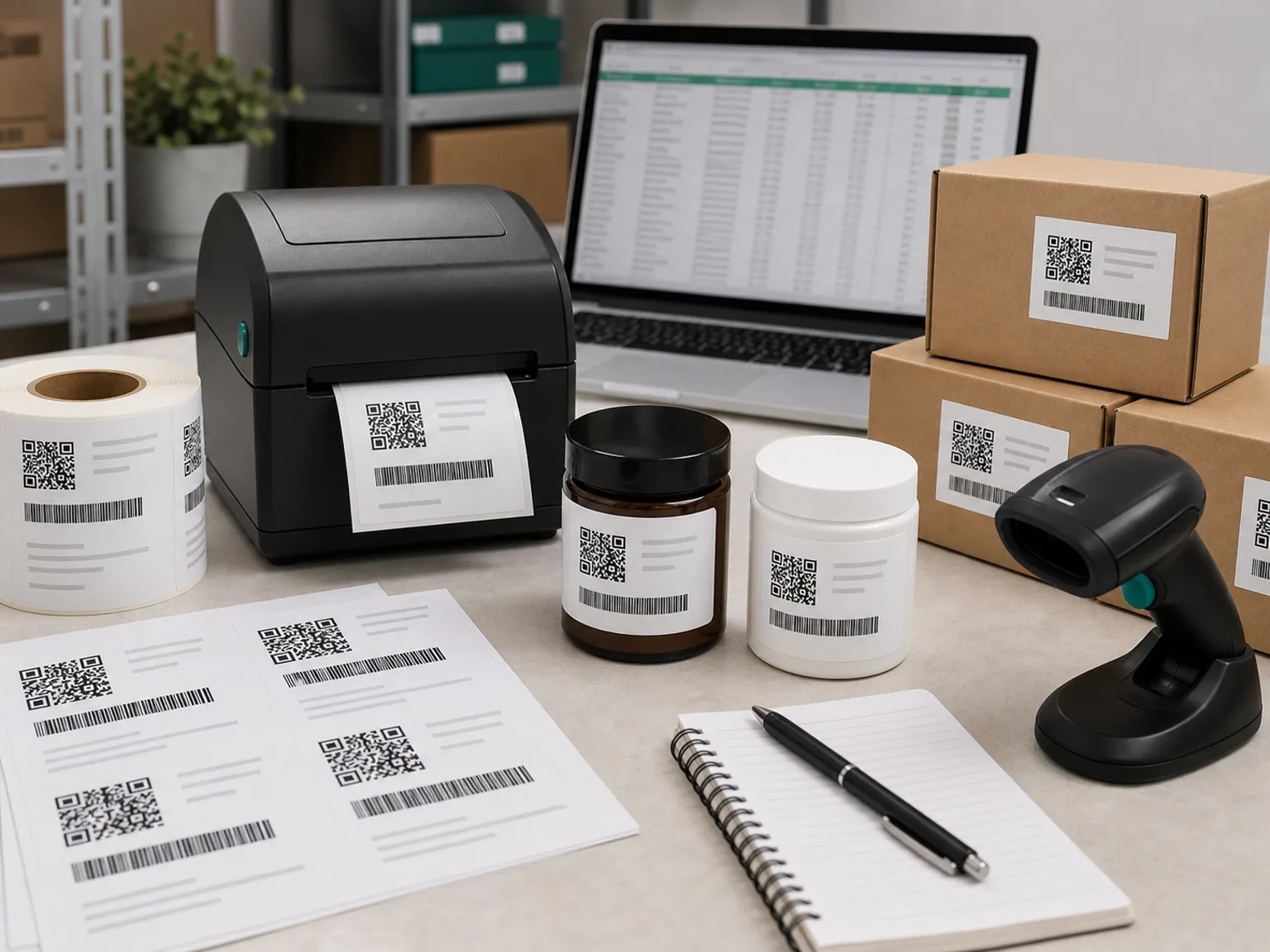
Readiness flow
Data, label, scan, print
Start with an audit
Concise answer
Variable data labeling needs clean source data, not only a printer
2D barcodes can support variable data labeling by encoding information such as GTIN, lot number, batch number, expiry date, or serial number into a scannable format. The business needs clean source data, label software that can format the data correctly, a printer that can render the code clearly, and scanners or verification tools that can read it reliably.
- Static label: the same barcode is printed across many units.
- Variable label: part of the barcode changes by lot, batch, date, or serial number.
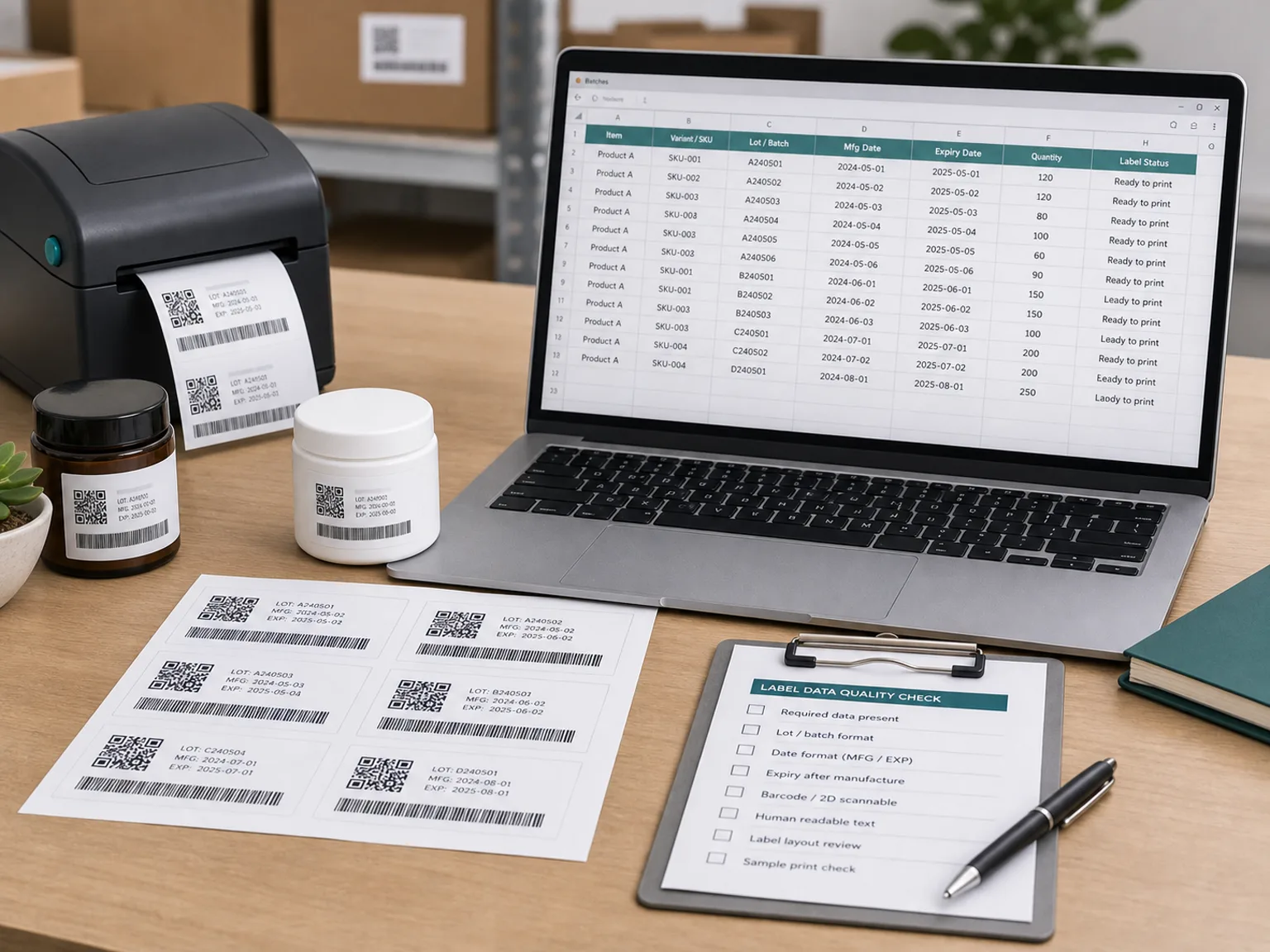
Variable data workflow
Batch and expiry labels need a controlled data source
When lot, batch, expiry, or serial values change by production run, the label workflow needs clean source data, consistent formatting, and a scanner test before it becomes an operating process.
Review
Test
Request
Common GS1 data examples
Use these only according to the applicable GS1 rules and partner requirements.
| Data element | Example role |
|---|---|
| (01) | Identifies the GTIN. |
| (10) | Can identify a batch or lot. |
| (17) | Can identify an expiration date. |
Workflow requirements
What you need before printing
Label software that supports the correct barcode format
A printer capable of clear output at the required code size
A scanning or verification process
A human-readable label policy where required
Need to know whether your current printer and software can handle variable data?
Submit your data source, label volume, barcode type, printer model, and timeline for an educational configuration direction.
Who should consider this
Perishable brands, cosmetics brands, health-related products, electronics, replacement parts, and manufacturers with recall, warranty, or serial tracking needs.
Who may not need this yet
Simple non-perishable products with no lot tracking, no serial numbers, no retail partner request, and no internal need for variable traceability.
Frequently asked questions
Can I encode an expiration date into a barcode? +
Yes, if the barcode format, data structure, software, and partner requirements support it.
Do I still need human-readable dates? +
Often yes, depending on product and regulation. Confirm with qualified advisers.
Can I do this with a spreadsheet? +
Some small teams can start with CSV or spreadsheet-driven printing, but reliability depends on software and process control.
Does 2D labeling solve recall compliance? +
No. It can support traceability workflows, but compliance depends on broader process, documentation, and regulation.
Get an educational configuration direction
Share your data source, label volume, barcode type, printer model, and timeline so the next step can be mapped to your real workflow.
Disclaimer
This site is independent and not affiliated with GS1. It provides educational readiness guidance only, not legal, compliance, marketplace, retailer, or GS1 approval advice.