01
Separate the identifier jobs
Keep the internal SKU, the product GTIN or UPC, and any Amazon fulfillment barcode as separate fields. They can relate to the same sellable unit without being interchangeable.
Readiness Library
A practical way to separate product identifiers, internal inventory fields, fulfillment labels, and future 2D barcode decisions before you print or relabel inventory.
Last reviewed: July 15, 2026
Short answer
Amazon sellers often have two planning layers at once: the product identifier used in catalog and sales-channel data, and the physical label used in the current fulfillment workflow. Your internal SKU is a third layer for your own operation.
The useful first step is to map which identifier belongs to each variation, which barcode is present on the item, and which team or system reads it. Only then can you decide whether you need a label test, a printer workflow review, or a broader 2D barcode pilot.
The same physical product can have multiple identifiers with different jobs. Confirm final marketplace rules in your current Seller Central workflow.
| Field or label | Primary job | Usually managed by | What to check before printing |
|---|---|---|---|
| SKU | Internal inventory and variant control | Your business | Whether every sellable variation has a clear, stable internal code |
| GTIN / UPC | External product identification | Brand owner through the relevant allocation process | Whether the product record and packaging use the intended valid identifier |
| FNSKU | Amazon fulfillment inventory identification | Amazon workflow | The active account preference, product workflow, and required unit labeling |
| 2D barcode | A possible data carrier for richer product or operational data | Brand and workflow owners | Whether the data, print quality, scanner, software, and channel have a controlled test plan |
Practical checklist
01
Keep the internal SKU, the product GTIN or UPC, and any Amazon fulfillment barcode as separate fields. They can relate to the same sellable unit without being interchangeable.
02
Review the barcode preference, listing workflow, and shipment instructions in the relevant Seller Central account before printing or covering labels.
03
Confirm that size, color, pack count, and bundle variations are mapped to the intended product record and physical label. A packaging photo is not a field map.
04
Record every scannable code already present on the product and outer packaging. The receiving workflow should not depend on a team member guessing which one to scan.
05
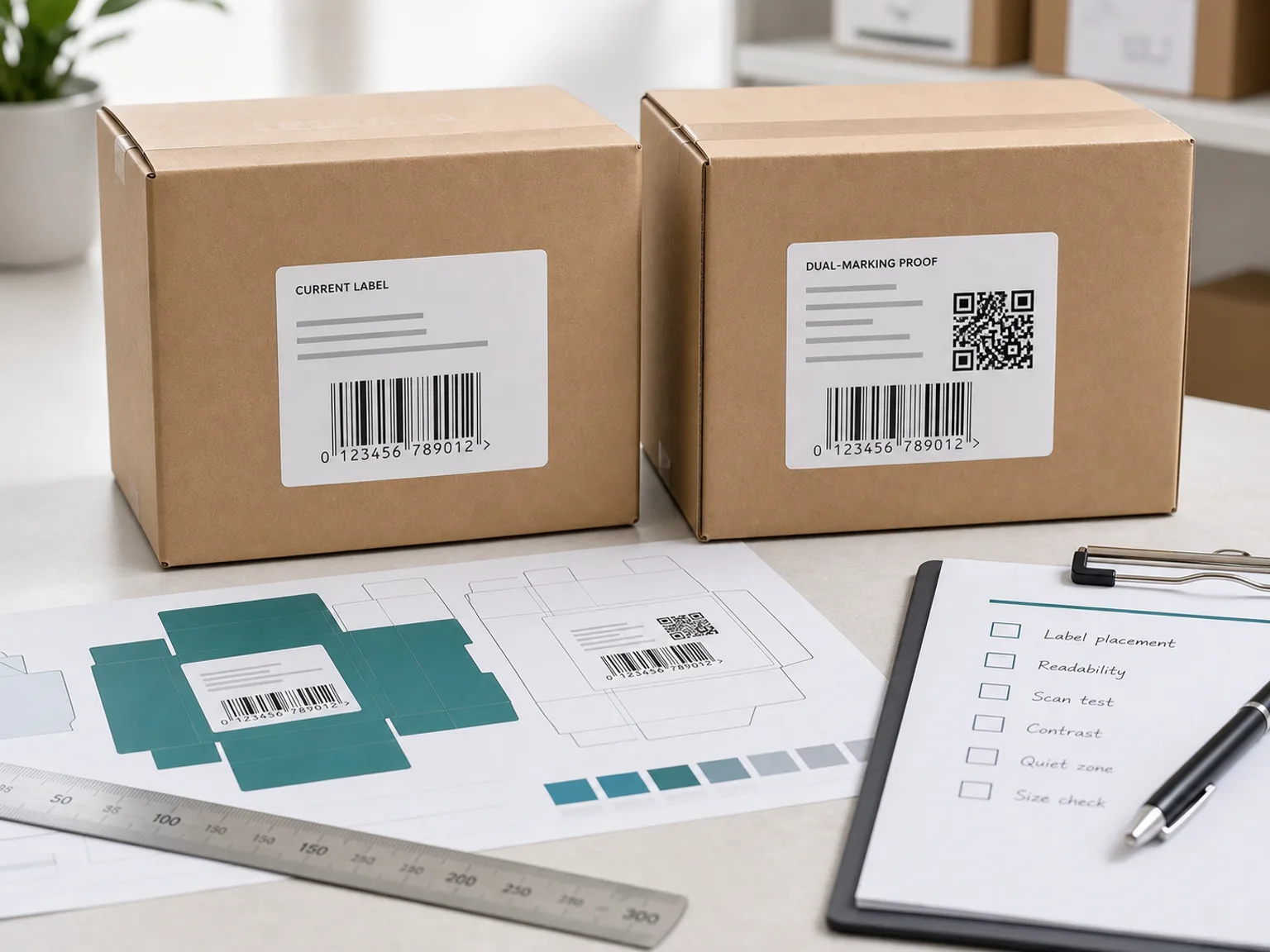
Test the actual label size, placement, print contrast, and scan result with a representative unit before a full prep run.
06
A future 2D barcode pilot is a packaging and workflow decision. It does not automatically replace the current Amazon label process or the existing product identifier.
Use your channels, SKU count, current barcode type, scanner, printer, budget, and timeline to identify a general readiness path.
When to pause
When to test
Related decisions
Start with the GTIN vs SKU workflow guide when product variations and catalog fields are unclear. Use the full identifier comparison for the UPC and FNSKU roles, then use the barcode label printer checklist before treating a print problem as a barcode problem.
If your operation also receives, picks, or packs product internally, use the 2D barcode scanner checklist for small warehouses to document the actual device, decoded output, and application result.
No. A SKU is an internal code created by your business. An FNSKU is used within Amazon fulfillment workflows. Keep both fields distinct, even when they refer to the same product variation.
That depends on the current Amazon account, product, and fulfillment workflow. Check the active barcode preference and shipment guidance in Seller Central before printing or applying labels.
No. A GTIN identifies a trade item in external systems. An internal SKU helps your team manage variants, picking, reporting, and inventory operations.
Not automatically. Treat 2D barcodes as a readiness topic that may become relevant for retail, variable-data labels, packaging updates, or a controlled test. Confirm current marketplace requirements in your own workflow.
Do not make that decision from a generic guide. Record existing barcodes and follow the current instructions for the relevant listing and fulfillment workflow before changing packaging or applying labels.
Prepare your sales channels, SKU count, current product identifier, barcode preference, scanner and printer setup, label volume, budget, timeline, and the question that is blocking your next step.
Send the essentials once: your channels, SKU count, current labels, hardware, budget, timeline, and the question that is holding up the next step.
Disclaimer
This site is independent and not affiliated with GS1. It provides educational readiness guidance only, not legal, compliance, marketplace, retailer, or GS1 approval advice.